


ollama 部署 deepseek-r1 70B 模型完整指南

一、模型下载与准备
1. 获取GGUF格式模型文件
通过ModelScope平台下载量化后的模型文件(推荐Q5_K_M中等量化级别):
pip install modelscope
modelscope download --model unsloth/DeepSeek-R1-Distill-Llama-70B-GGUF DeepSeek-R1-Distill-Llama-70B-Q5_K_M.gguf --local_dir  /DeepSeek-R1-Distill-Llama-70B-GGUF
技术说明:GGUF(GPT-Generated Unified Format)是专为LLM设计的跨平台格式,支持CPU/GPU混合推理,特别适合在苹果芯片设备或纯CPU环境运行。Q5_K_M量化在保持94%精度的同时,将模型体积压缩至49GB。
二、Ollama环境配置
1. 安装Ollama推理框架
参考官网ollama/ollama: Get up and running with Llama 3.3, Phi 4, Gemma 2, and other large language models.
curl -fsSL https://ollama.com/install.sh | sudo sh
2. 配置远程访问(可选)
参考ollama/docs/faq.md at main · ollama/ollama
如需通过其他设备访问,需修改服务配置:
sudo nano /etc/systemd/system/ollama.service
在[Service]部分添加:
Environment="OLLAMA_HOST=0.0.0.0"
Environment="OLLAMA_ORIGINS=*"
刷新服务配置:
sudo systemctl daemon-reload
sudo systemctl restart ollama
三、模型配置文件编写
创建Modelfile配置文件:
# 这里填入gguf文件路径
FROM /home/DeepSeek-R1-Distill-Llama-70B-GGUF/DeepSeek-R1-Distill-Llama-70B-Q5_K_M.gguf

# 以下为模型模板配置
TEMPLATE """{{- if .System }}{{ .System }}{{ end }}
{{- range $i, $_ := .Messages }}
{{- $last := eq (len (slice $.Messages $i)) 1}}
{{- if eq .Role "user" }}<|User|>{{ .Content }}
{{- else if eq .Role "assistant" }}<|Assistant|>{{ .Content }}{{- if not $last }}<|end▁of▁sentence|>{{- end }}
{{- end }}
{{- if and $last (ne .Role "assistant") }}<|Assistant|>{{- end }}
{{- end }}"""


PARAMETER stop "<|begin▁of▁sentence|>"
PARAMETER stop "<|end▁of▁sentence|>"
PARAMETER stop "<|User|>"
PARAMETER stop "<|Assistant|>"

PARAMETER num_ctx 12800
参数解析:
stop: 设置对话终止符num_ctx: 扩展上下文窗口至12800 tokens
四、模型加载与运行
1. 创建Ollama模型实例
ollama create DeepSeek-R1-Distill-Llama-70B-Q5_K_M -f /home/DeepSeek-R1-Distill-Llama-70B-GGUF/Modelfile
2. 验证模型列表
ollama list

# 预期输出
NAME                                           ID              SIZE     MODIFIED
DeepSeek-R1-Distill-Llama-70B-Q5_K_M:latest    dd7ae729f6fc    49 GB    46 minutes ago
3. 启动模型服务
ollama run DeepSeek-R1-Distill-Llama-70B-Q5_K_M:latest
成功运行后将进入交互式命令行界面。

五、远程访问验证
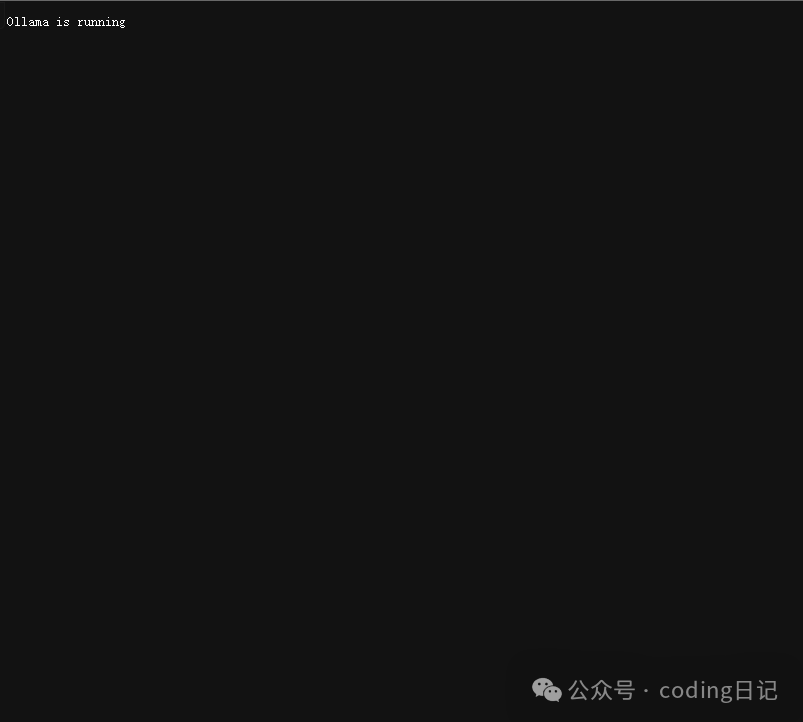
访问http://{服务器IP}:11434/,出现以下界面即表示服务正常运行:
界面显示 Ollama is running,表示可以远程访问
六、高级应用场景
现在可通过以下方式接入模型:
-
Open WebUI:搭建可视化聊天界面 -
API集成:通过RESTful API对接应用程序 -
LangChain:构建自动化AI工作流
