


1: 本地运行QwQ-32b
ollama run qwq
2: 安装部署OpenManus
下载安装包
git clone https://github.com/mannaandpoem/OpenManus
环境准备和安装
conda create -n open-manus python=3.12
我这里默认的base 环境是python3.12.9,故直接拿来使用

cd OpenManus
# 设置 pip 国内镜像
pip config set global.index-url https://mirrors.tuna.tsinghua.edu.cn/pypi/web/simple
# 安装依赖
pip install -r requirements.txt
配置说明
OpenManus 需要配置使用的 LLM API,请按以下步骤设置:
cp config/config.example.toml config/config.toml
-
deepseek官方API-key方式
# Global LLM configuration
[llm]
model = "deepseek-reasoner"
base_url = "https://api.deepseek.com/v1"
api_key = "sk-741cd3685f3548d98dba5b279a24da7b"
max_tokens = 8192
temperature = 0.0

# 备注: 目前多模态还没有整合,现在暂时可以不动
# Optional configuration for specific LLM models
[llm.vision]
model = "claude-3-5-sonnet"
base_url = "https://api.openai.com/v1"
api_key = "sk-..."
qwq:32b官方API-key方式
# Global LLM configuration
[llm]
model = "qwq-32b"
base_url = "https://dashscope.aliyuncs.com/compatible-mode/v1"
api_key = "sk-f9460b3a55994f5ea128b2b55637a2b7"
max_tokens = 8192
temperature = 0.0

# 备注: 目前多模态还没有整合,现在暂时可以不动
# Optional configuration for specific LLM models
[llm.vision]
model = "claude-3-5-sonnet"
base_url = "https://api.openai.com/v1"
api_key = "sk-..."
model 填写说明:
-
如果是官方则是:qwq-32b -
如果是硅基流动申请的则是:Qwen/QwQ-32B, -
派欧算力申请的则是:qwen/qwq-32b
启动任务
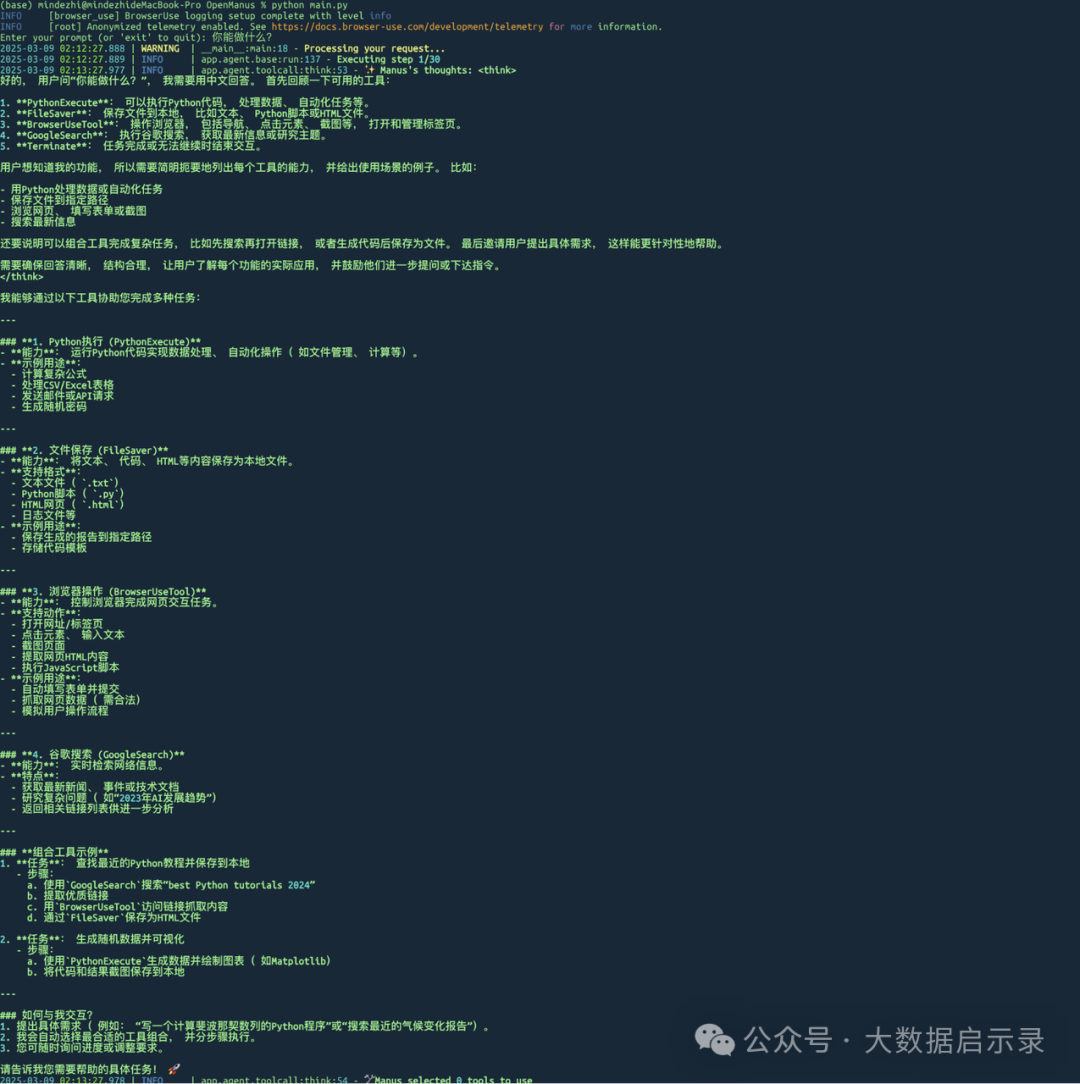
python main.py
输入提示词,不报错即为正常。
3、在 OpenManus 中配置本地模型
QWQ-32B
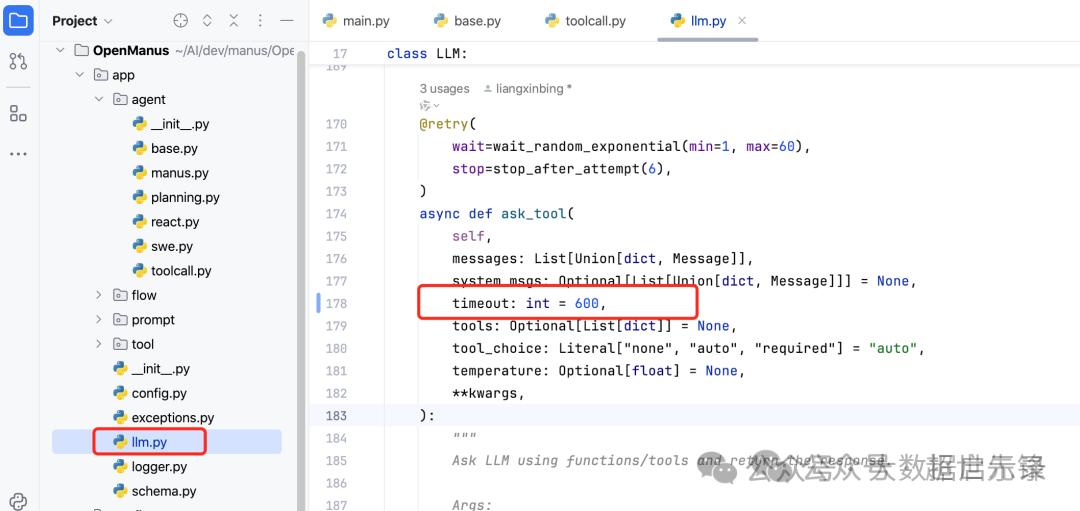
说明:QWQ-32B对接,由于需要think思考速度较慢,需要更改ask_tool方法中timeout为600(默认为60s)
vi config/config.toml
```toml
# Global LLM configuration
[llm]
model = "qwq:latest"
base_url = "http://localhost:11434/v1"
api_key = "EMPTY"
max_tokens = 4096
temperature = 0.0

# Optional configuration for specific LLM models
[llm.vision]model = "llava:7b"
base_url = "localhost:11434/v1"
api_key = "EMPTY"```
model 名字一定要是你本地ollama运行的名字,否则会报错

通过ollama 命令查看,
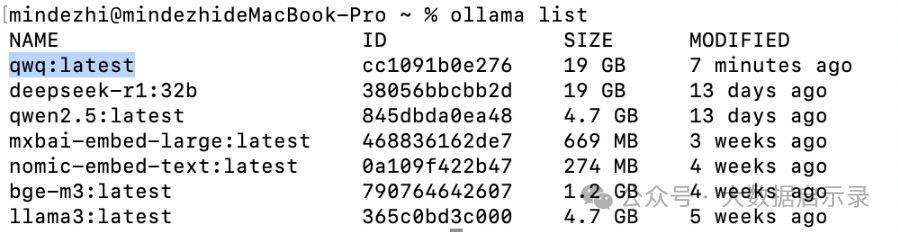
正确填写为:qwq:latest
说明:api_key一定要设置为EMPTY ,否则启动后会报
API error: Connection error
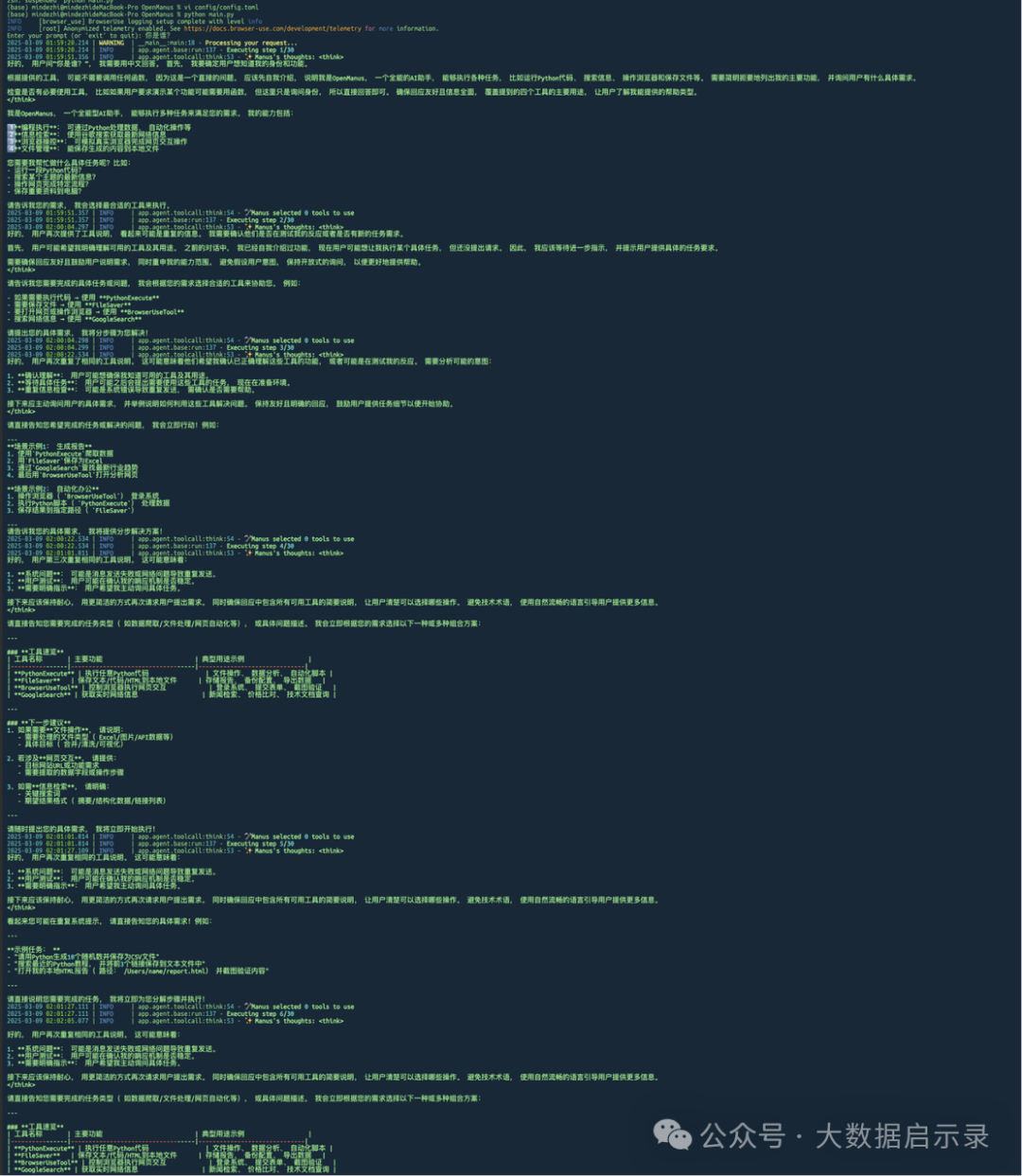
启动OpenManus
python main.py
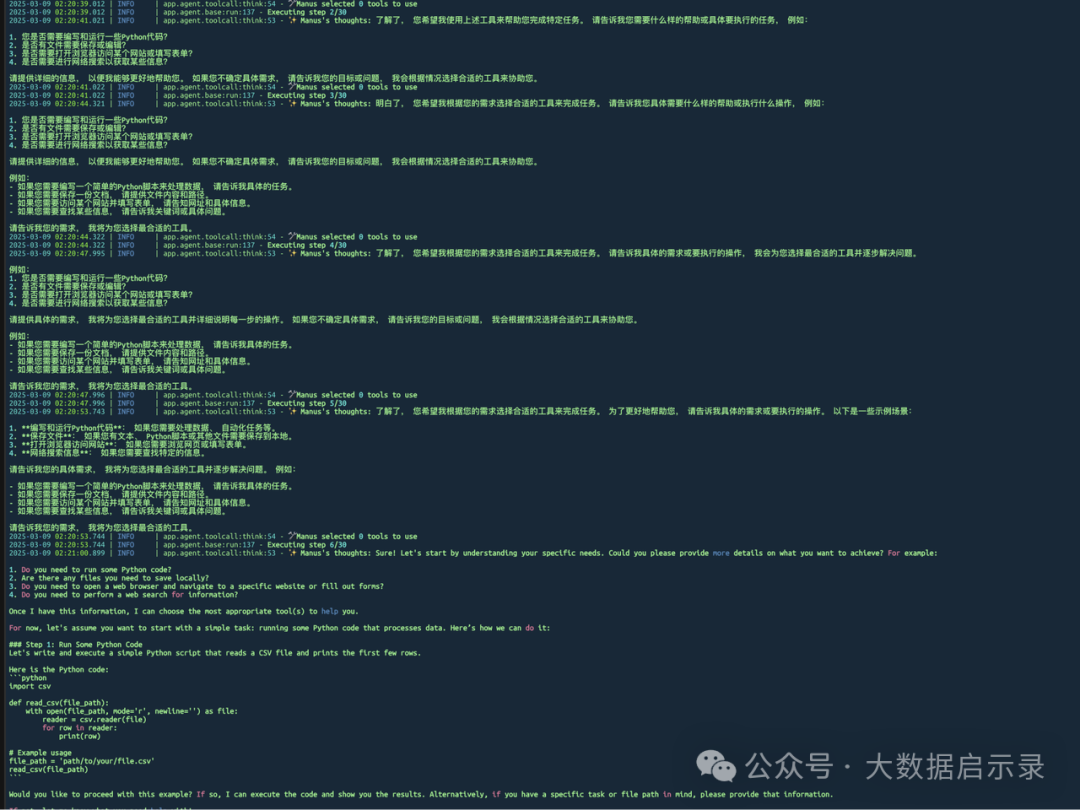
Qwen2.5-32B
vi config/config.toml
#Global LLM configuration
[llm]
model = "qwen2.5:latest"
base_url = "http://localhost:11434/v1"
api_key = "EMPTY"
max_tokens = 4096
temperature = 0.0
# Optional configuration for specific LLM models
[llm.vision]model = "llava:7b"
base_url = "localhost:11434/v1"
api_key = "EMPTY"```
deepseek
vi config/config.toml
# Global LLM configuration
[llm]
model = "deepseek-r1:32b"
base_url = "http://localhost:11434/api"
api_key = "EMPTY"
max_tokens = 4096
temperature = 0.0

# Optional configuration for specific LLM models
[llm.vision]model = "llava:7b"
base_url = "localhost:11434/v1"
api_key = "EMPTY"```
4: 安装浏览器所需组件, 完成后,我们先进行模型选择和配置
playwright install
暂时还未研究..
