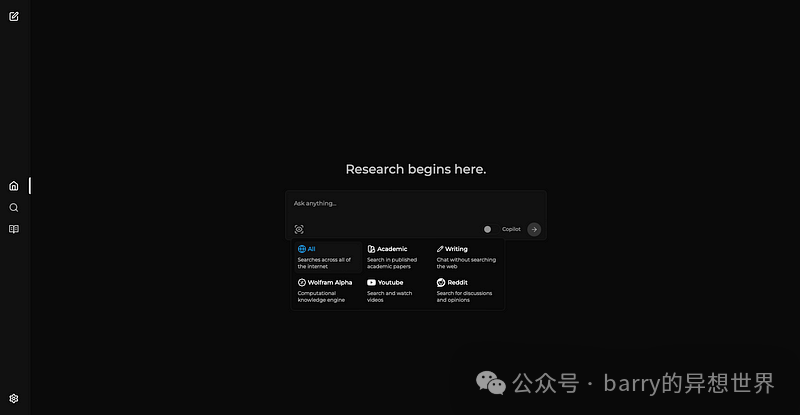
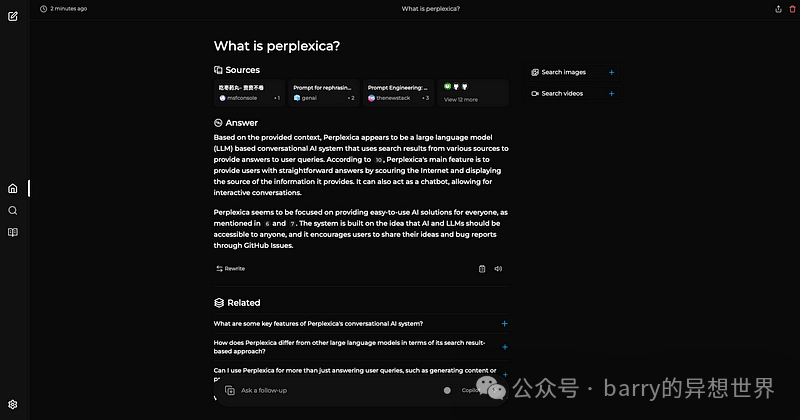
Perplexica是一款开源的AI驱动搜索工具,超越了基本的网络搜索,能够深入理解并回应您的问题。受Perplexity AI启发,它利用先进的机器学习技术,如相似性搜索和嵌入,来优化结果并提供清晰、有引用的答案。通过使用SearxNG,Perplexica确保其完全开源且保持最新,提供最新信息同时保护您的隐私。
安装步骤
-
如果您还没有安装docker,请先安装。
-
安装Ollama
详情请查看这里
此外,我发现这个链接很有用
安装完成后运行:
ollama run mistral
-
克隆Perplexica
git clone https://github.com/ItzCrazyKns/Perplexica.git

cd Perplexica
-
将sample.config.toml重命名为config.toml
-
打开config.toml,为键OLLAMA设置值“http://host.docker.internal:11434”
-
然后运行docker compose
docker compose up -d
-
几秒钟后,您可以打开http://localhost:3000,然后您将看到以下内容: