

Ollama 是一个开源项目,旨在简化在本地部署和运行大型语言模型(LLMs)的过程。它提供了一系列工具和功能,使得开发者和研究人员能够更容易地在自己的机器上利用这些先进的AI模型,而无需依赖云端服务。
官网:https://ollama.com
Github:https://github.com/ollama/ollama
一、运行环境准备
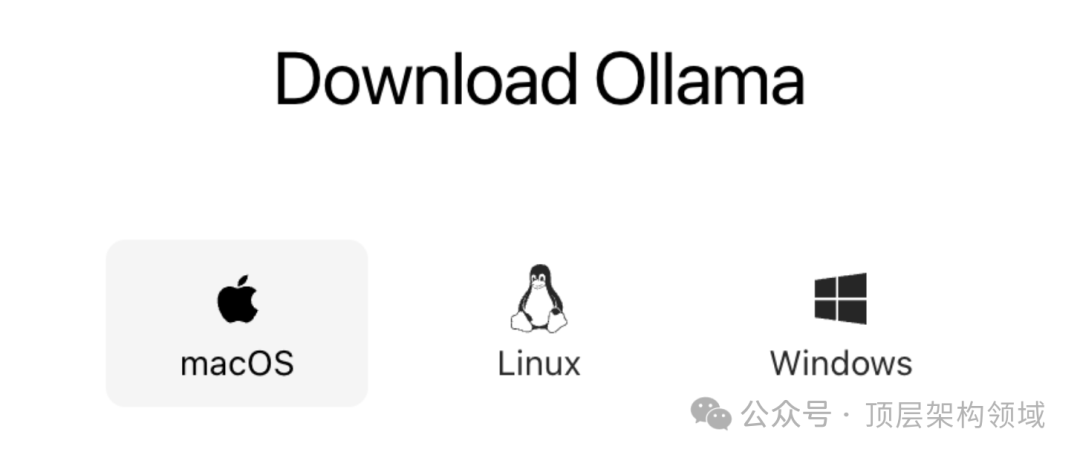
Docker Hub :https://hub.docker.com/r/ollama/ollama

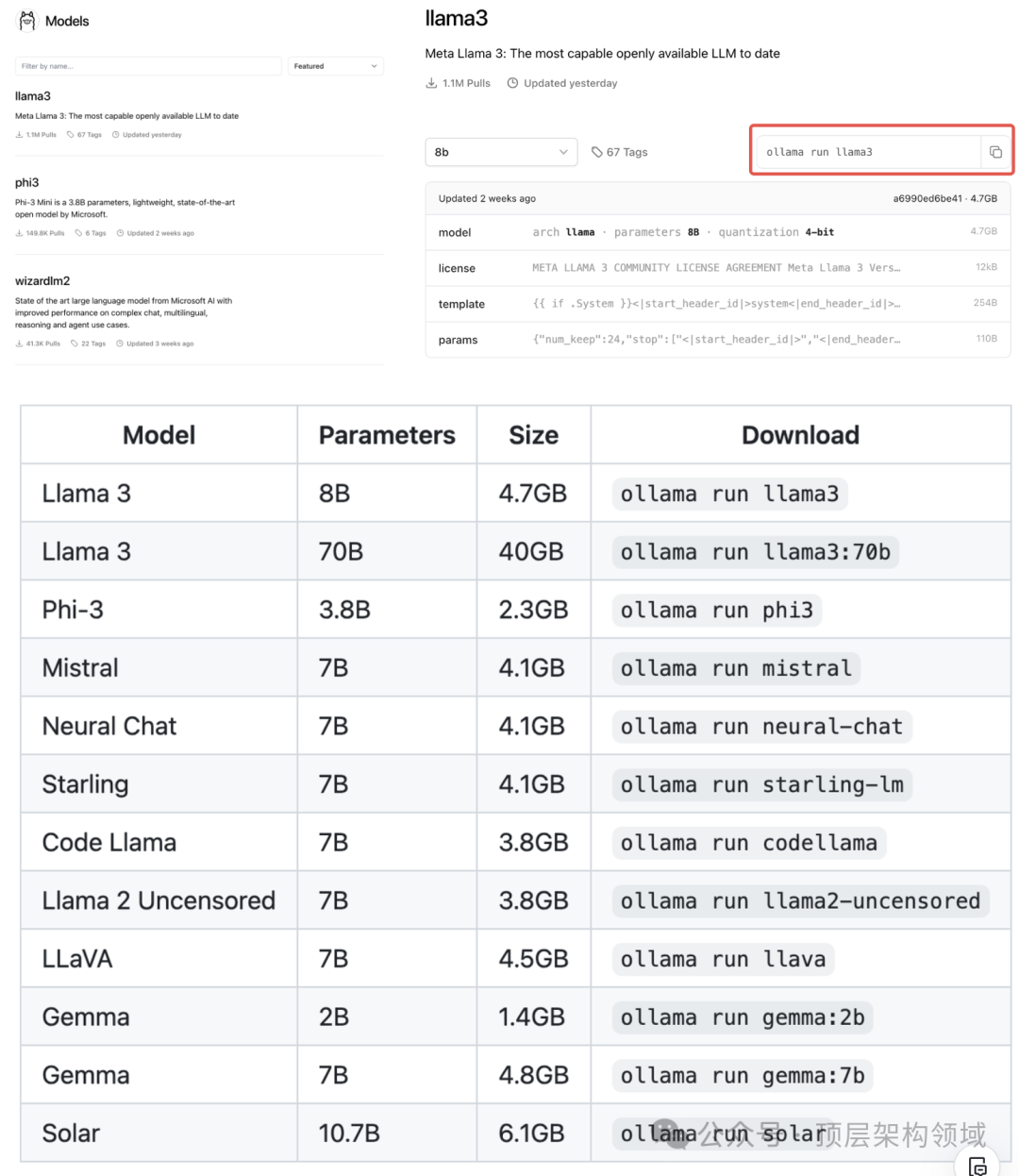
运行 7B 模型需要至少 8GB 的 RAM,运行 13B 模型需要 16GB RAM,运行 33B 模型需要 32GB RAM。

四、命令行操作 CLI 参考
创建模型
ollama create selfModel -f ./Modelfile
更新模型
ollama pull llama3
删除模型
ollama rm llama3
复制模型
ollama cp llama3 self-llama3
多行输入
""" 包裹文本>>> """Hello,... world!... """I'm a basic program that prints the famous "Hello, world!" message to the console.多模态模型>>> What's in this image? /Users/aid/smile.pngThe image features a yellow smiley face, which is likely the central focus of the picture.
提示作为参数传入
$ ollama run llama2 "Summarize this file: $(cat README.md)" Ollama is a lightweight, extensible framework for building and running language models on the local machine. It provides a simple API for creating, running, and managing models, as well as a library of pre-built models that can be easily used in a variety of applications.
列出已安装模型列表
ollama list
启动 Ollama
ollama serve
五、源码构建Ollama
cmake 和 go:brew install cmake go
go generate ./...
go build .
更详细的说明可以在开发者指南中找到。
运行本地构建
./ollama serve
./ollama run llama2
六、REST API文档提供
详细信息查看文档
查看更多集成案例,可以查看github仓库文档
