


就在昨天,langgraph的ultra版本项目开源,命名为langgraph-swarm-py,可以通过 pip install langgraph-swarm 安装。所以swarm ? openai 一脸问号?
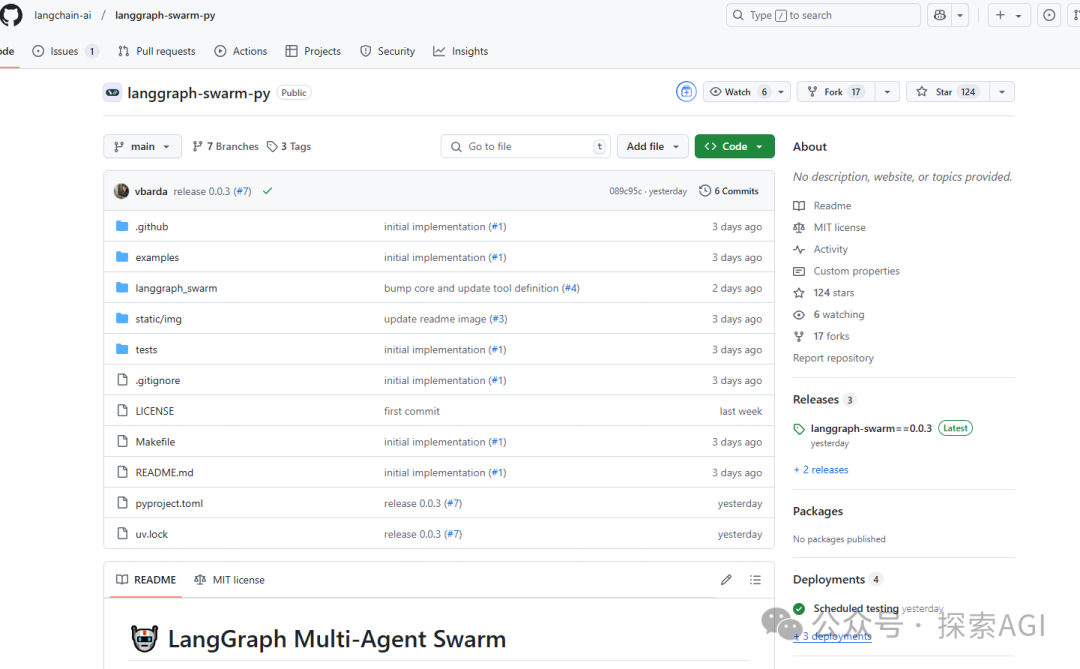
他的核心升级是,拓展了多智能体应用,可以让多个具有不同专长的智能体协同工作,并在它们之间传递上下文信息。 其次是内置了智能体之间通信的工具,用户可以根据需求进行定制。
下面的图,是一个系统在订票和订酒店2个场景自动切换的demo。
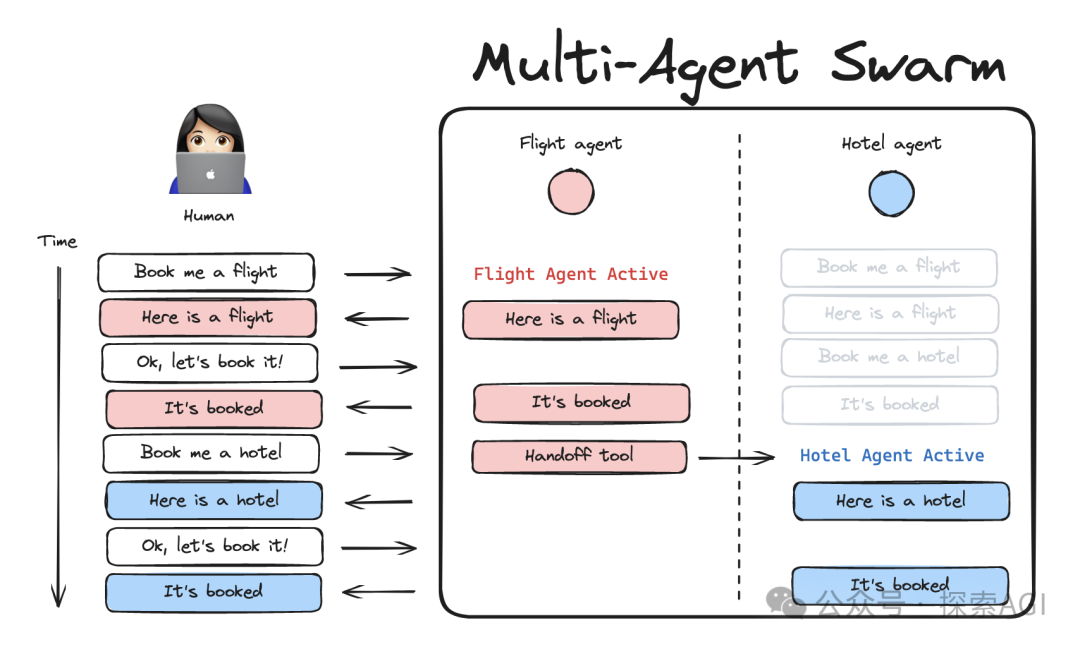
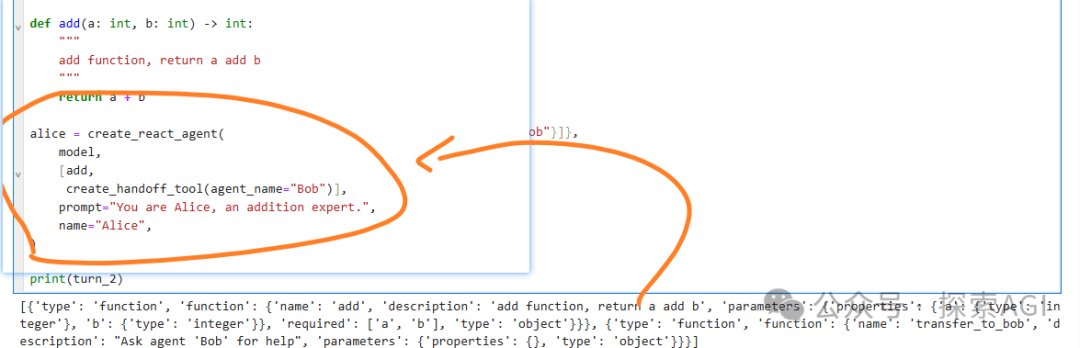
用readme脚本简单测试了下,Agent切换是通过工具来实现,每个agent会绑定一个handoff_tool到别的agent上。
from langgraph.checkpoint.memory import InMemorySaver
from langgraph.prebuilt import create_react_agent
from langgraph_swarm import create_handoff_tool, create_swarm

model = ZhipuAIChat(provider="zhipuai",
    model_name="glm-4-plus",
    temperature=0.7)

def add(a: int, b: int) -> int:
    """
    add function, return a add b
    """
    return a + b

alice = create_react_agent(
    model,
    [add,
     create_handoff_tool(agent_name="Bob")],
    prompt="You are Alice, an addition expert.",
    name="Alice",
)

bob = create_react_agent(
    model,
    [create_handoff_tool(agent_name="Alice", description="Transfer to Alice, she can help with math")],
    prompt="You are Bob, you speak like a pirate.",
    name="Bob",
)

checkpointer = InMemorySaver()
workflow = create_swarm(
    [alice, bob],
    default_active_agent="Alice"
)
app = workflow.compile(checkpointer=checkpointer)

config = {"configurable": {"thread_id": "1"}}
turn_1 = app.invoke(
    {"messages": [{"role": "user", "content": "i'd like to speak to Bob"}]},
    config,
)
print(turn_1)
turn_2 = app.invoke(
    {"messages": [{"role": "user", "content": "what's 5 + 7?"}]},
    config,
)
print(turn_2)